Layout Coder
The free drag-and-drop maker for Howrse layouts. Drop your text boxes onto the page exactly where you want them, then copy code that actually works on Howrse, with no HTML or CSS needed.
How it works
Choose your canvas
Pick which Howrse page it is for and link your background image. You get a canvas sized to that exact presentation.
Drag your text boxes
Add text boxes and drag them wherever you like. Set fonts, colors, and sizes with no code and no guesswork about pixel margins.
Copy the code
Layout Coder writes Howrse-safe layout code that lands exactly where you placed things. Copy it, paste it into HTML mode, and save.
Frequently asked questions
What is a layout?
A layout is the custom design on a Howrse page: the background image, your text, and where everything sits. It is what makes your player page or equestrian center look like yours instead of the default. We build one for you, so you never have to write the code yourself.
What is Howrse?
Howrse is a free online horse game where you raise, breed, and care for horses. Players love decorating their pages with custom layouts, which is exactly what we help you make. We are a fan tool and not affiliated with Howrse.
Is Layout Coder free?
Totally, and no account needed. The only ads you will ever see here are for our own product, Pixel-Ponies, so your page never gets bogged down with ads from a million other places. The only catch is a small credit below your layout pointing back to LayoutCoder.com, which is how other players discover the tool. Hopefully that feels fair.
Do I need to know HTML or CSS to make a Howrse layout?
Nope. You drag your text boxes wherever you want, style them with a couple of clicks, and we write the code for you. On Howrse you paste that code, then type your own words over the placeholder text in the same view. You never have to write or understand any of it.
How do I add a layout to my Howrse presentation?
Save your code somewhere safe first, like a note or an email to yourself, because we do not keep a copy for you. Then on your Howrse presentation, switch the writing mode to HTML mode, paste the code, and save. Stay in HTML mode when you change your words, too: see "Why did one of my text boxes disappear when I edited it?" for why that matters.
Why did one of my text boxes disappear when I edited it?
Because the edit happened in Howrse's normal writing mode. When you select the text in a box there and type over it, Howrse's editor joins that box together with the one after it, so a box can vanish. It does this with any layout, hand-written ones included, and there is no code we can write that stops it. The fix is simple: switch to HTML mode and change your words there, typing between the > and < around the placeholder text. Your boxes all stay put. This is also why we ask you to keep a copy of your code, so you can always paste it back.
Can I use a background image in my Howrse layout?
Yes! Link to an image you have hosted and design your text right on top of it. Howrse loads the image from its link rather than storing it, so you just give us the link.
Where do I get images to use?
For free photos you can use without worrying about rights, try Pexels, Unsplash, or Pixabay. Want to design your own? Canva, Photopea (free, right in your browser), Photoshop, and GIMP all work well. Host the finished image, then paste its link here.
Where can I host my background image for Howrse?
Howrse shows images by loading them from a host, not by uploading to Howrse. Good free ones that allow this are Postimages, ImgBB, and Imgur. Skip Google Drive and Photobucket: Google broke Drive image links in 2024 and Photobucket charges for hotlinking, so images from both tend to vanish.
What size should a Howrse layout be?
It depends on the page. Each Howrse page type has its own fixed presentation width, and player profiles come in two sizes (Small or Large, set in your preferences). You do not need to memorize any of it: pick where you are posting in the editor and we size everything to fit.
Why don't my text boxes stay where I put them?
Howrse strips CSS positioning out of presentations for safety, so hand-written layouts collapse into a stack. We build yours with the margin method Howrse actually keeps, so every box lands exactly where you placed it.
Why did my old Howrse layout stop working?
Howrse changes what it allows over time, and old image hosts change their rules or shut down, which breaks older codes and images. Rebuild it here for a fresh layout that works today, and re-host any broken images on Postimages or ImgBB.
Does Layout Coder work for equestrian center and horse pages?
Yes. The layouts use only Howrse-safe HTML, so the code works on your player page, your equestrian center, and your horse pages.
How do I turn off the branding at the bottom of the layout?
We do add a small credit line below your layout that links back to LayoutCoder.com. It becomes your code once it is on Howrse, so you technically could remove it, but we respectfully ask that you leave it, it is how other players find the tool. It is also how we keep Layout Coder completely free with no account and no third-party ads. The only thing we ever point you to is our own paid site, Pixel-Ponies, so your page never gets bogged down with annoying ads from a million other places. Leaving the credit on costs you nothing and helps a small team keep making free tools like this. Thank you for keeping it, it means a lot.
What is Pixel-Ponies?
Pixel-Ponies is a platform for organizing your horses across games, sharing your collection with friends, building wishlists, and more. Layout Coder is one of the free tools we make for the horse-game community.
By Pixel-Ponies
Tools we’ve made for horse gamers.
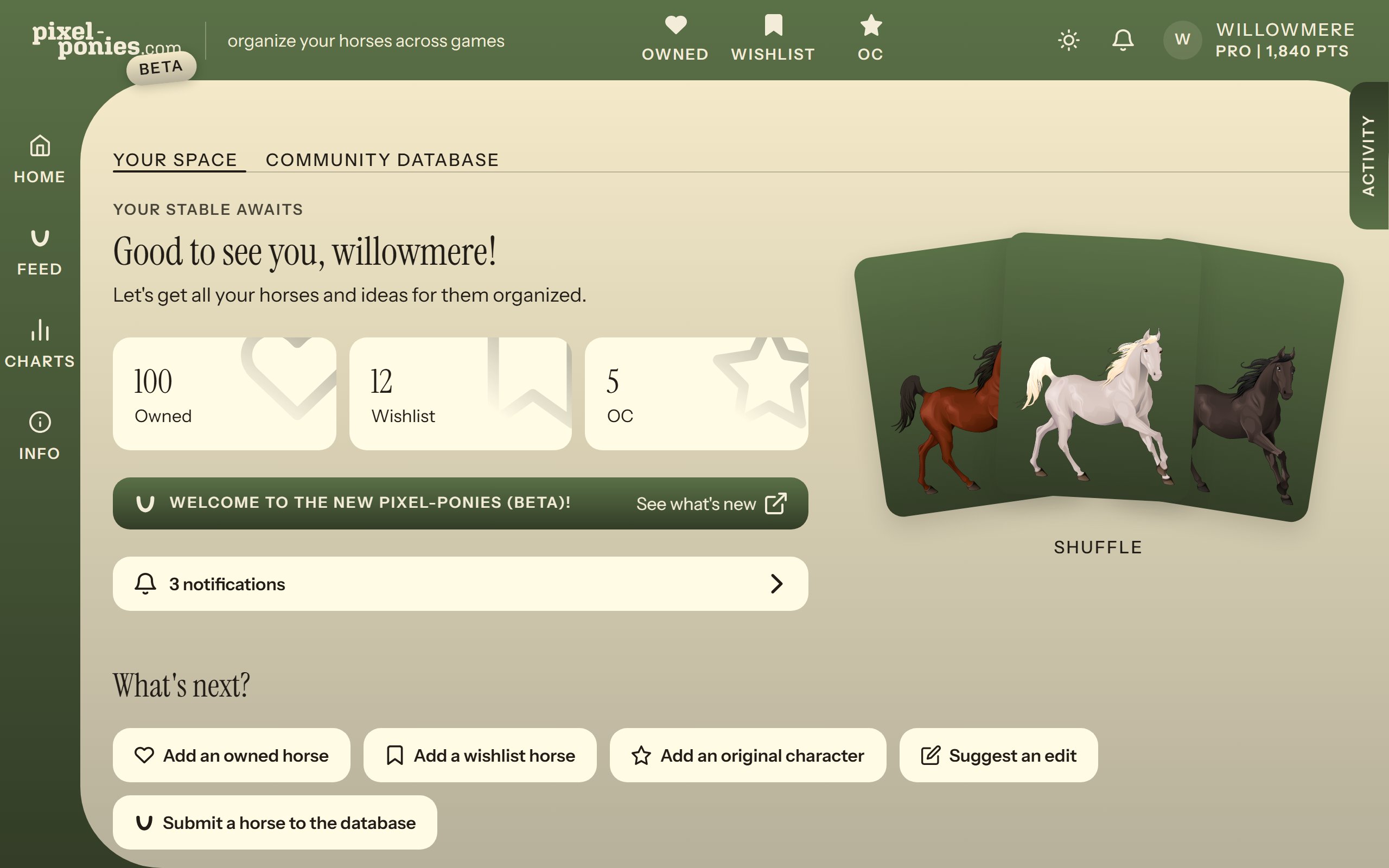 Our main productPixel-PoniesDitch the spreadsheets and organize your horses and wishlists here!
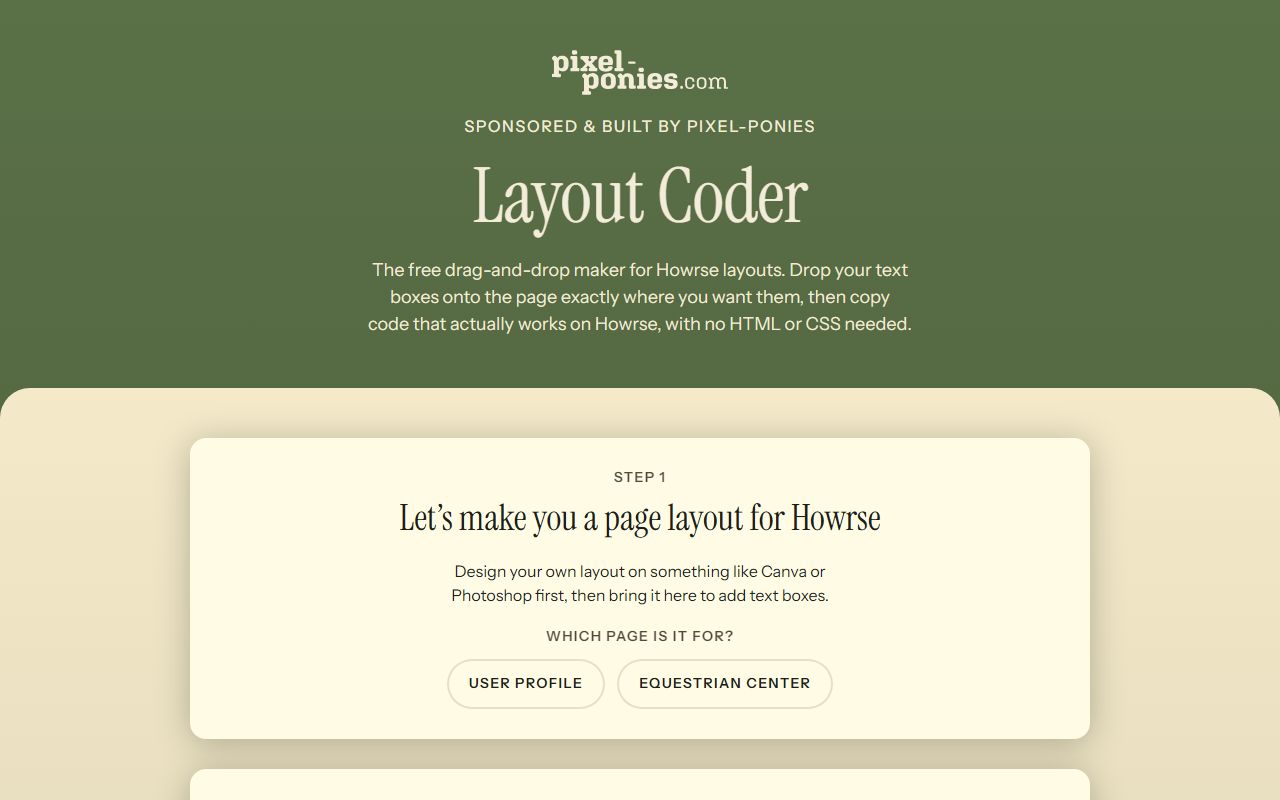 You're on itLayout CoderDesign Howrse presentation layouts by dragging text boxes, then copy code that just works.
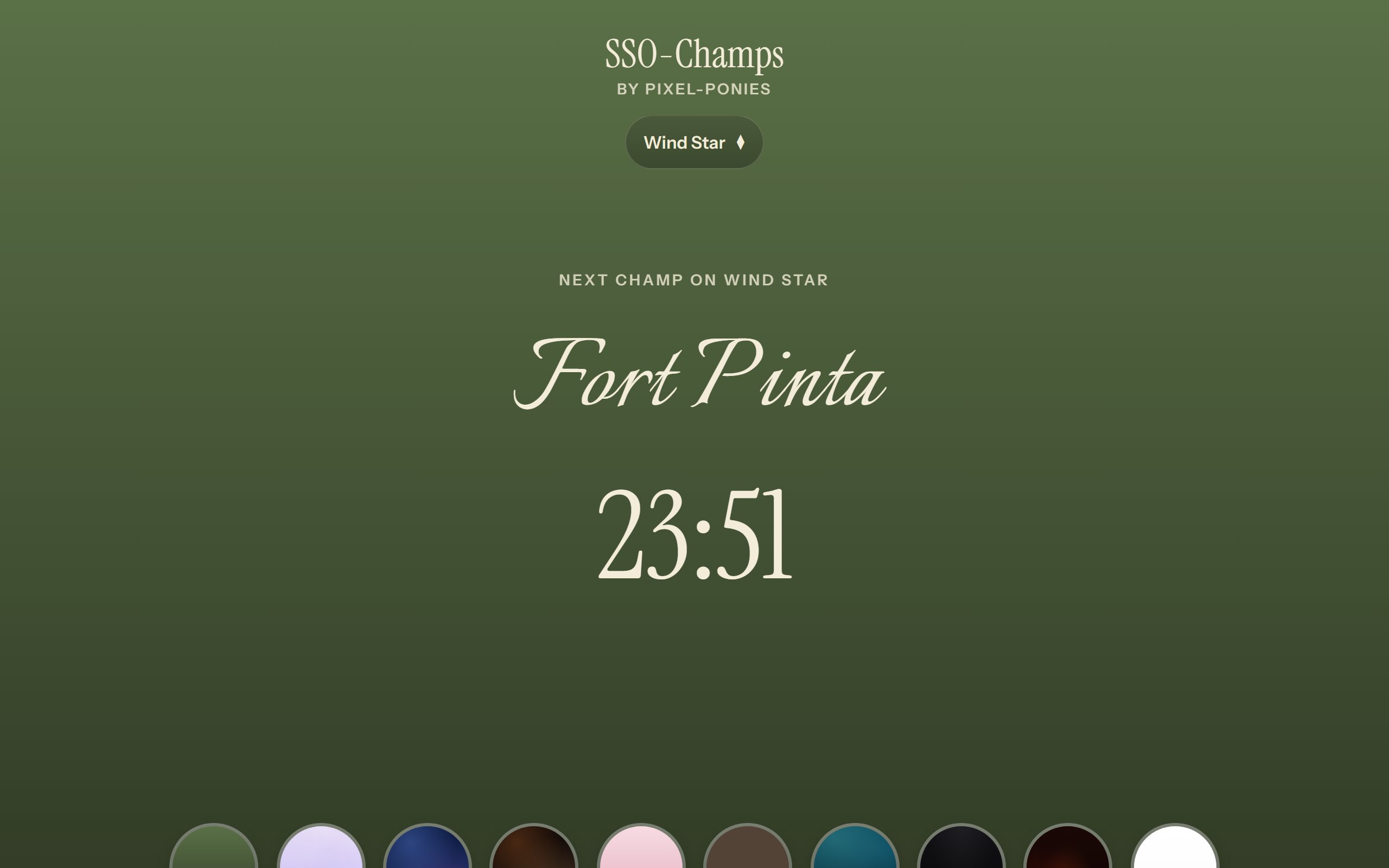 FreeSSO-ChampsA live schedule and countdown for Star Stable championships, tuned to your server, so you never miss a champ.